
Business Card scanning grid, scanning script, and some AI-supported post-processing (#P51)
Looks like we got another case of a DIY solution that competes with existing hardware. This time, it’s from my current quest of tidying up the rooms, especially in terms of old paper documents. Over the last 2 to 3 months, I have been scanning like a man madman and accumulated over 11000 pages plus quite a bunch more in terms of deduplication, e.g. realizing my main broker does still store ALL documents ever generated. Once fetched from their servers (in packets of 20 PDFs each…click click click), those replace printed documents right away, since my physical copies, either printed myself or sent by them via snail mail, are the exact same as the PDF – and those files are of course much smaller, labelled in a somewhat useful fashion, with proper original file dates, and at least partially searchable.
Today’s brainfart however stems from a much smaller pile of paper, namely business cards and other things in similar form factor (old membership cards, eyeglasses prescription documents, you name it). Those also have been sitting around for (sometimes) years, gathering dust, and leaving me puzzled of what to do with them. I didn’t want to throw them away, but I was also too lazy to scan them individually – and how would I even merge front and back side? Scanning them semi-automatically with my ADF/DADF printer also wouldn’t work because of the form factor and the typical thickness of these things – plus some were indeed plastic cards or had weird shapes, that’s just asking for trouble. And, lastly, buying one of those 150€+ class portable document scanners? Just for the lulz? Nah, hard pass.
But thankfully, we’re in the age of AI – so I just asked what to do, corrected some BS, and steered the whole thing into the right direction. In this case, I needed the combined help of ChatGPT, Copilot, Grok AND Claude – no single AI could do the job on their own.
So here’s the rough plan:
*Build hardware for a systematic scan of the documents
*Do a test scan
*Develop software for splitting the scanned files into single documents, two per business card
*Trim, rotate, scale, post-process and merge the things
*Scan ALL THE THINGS
*And then throw lots of data onto the tools and do some more debugging if needed
Important legal note: Yes, even business cards have GDPR implications. GDPR is a bureaucratic cancer, businesses have been sued (successfully!) for using the contact details from business cards by the very people that gave them away, voluntary, on exhibitions. Yes, of course all of my data processing is fully GDPR-compliant, and no, if you do not want me to process the things written on your business card: Don’t fucking hand it over, you weirdo.
So, back to the nonsense. Step one: Properly scanning pieces of paper. A typical business card is like 85 to 90mm in width and 50 to 55mm in height, and of course everybody has their own ideas about the perfect size and aspect ratio, so they are all slightly different (some are, of course, a more unique pain in the ass than others). My printer/scanner has a regular DIN A4 scan field, so 297mm x 210mm plus a bit extra. While it should be possible to do like 3×4 cards on that area (ChatGPT even argued 15 would fit), that is fiddly, tight, and doesn’t leave much room for error. So I decided on a 3×3 grid instead. The combined powers of ChatGPT and Copilot then yielded this script, and after a bit of tweaking and one test print, it worked as intended. I originally thought I’d leave the thing on the printer while scanning, but it turns out that does produce shadows, so the actual height of the grid doesn’t really matter, and a taller grid is easier to pick up, so I jumped from 2mm to 10mm.
Here’s the OpenSCAD code – just copy and paste into your local application window:
a4_w = 210;

a4_h = 297;

margin   = 3.5;                   // grid is x mm smaller than A4

grid_w   = a4_w - margin;

grid_h   = a4_h - margin;

cells_x  = 3;

cells_y  = 3;

divider_w = 1.8;
// --- Heights ---
h_inner = 2.5; // default height
h_outer = 10.0; // height for the two outer segments
// --- Derived cell sizes ---
// 3 cells, 4 dividers → total width = 3*cell_w + 4*divider_w = grid_w
cell_w = (grid_w - (cells_x + 1)*divider_w) / cells_x;
cell_h = (grid_h - (cells_y + 1)*divider_w) / cells_y;
grid();
module grid() {
union() {
// Vertical dividers (all 1.0 mm high)
for (i = [0 : cells_x]) {
x = i * (cell_w + divider_w);
h = (i == 0 || i == cells_x) ? h_outer : h_inner;
translate([x, 0, 0])
cube([divider_w, grid_h, h]);
}
// Horizontal dividers
for (j = [0 : cells_y]) {
y = j * (cell_h + divider_w);
h = (j == 0 || j == cells_y) ? h_outer : h_inner;
translate([0, y, 0])
cube([grid_w, divider_w, h]);
}
}
}
This yields something like this:

I’m not gonna show you a dedicated photo of this highly complex geometry after printing – I did that in black PLA+ because that was the cheapest dark filament I had around, and it was originally intended to be dark in order to give good contrast when cutting up the image file. Literally any color and material will do, since it is now intended to be removed after placing the cards…
This grid is slightly smaller than the scanning area, and is intended to lay flat on the scanner bed, cards thrown in from above, and then by the magic of a bit of wiggle wiggle wiggle yeah, it centers all cards in their respective pockets. And since the thing is 10mm tall, removal is pretty easy without moving the cards. This is how it looks on the bed of the scanner – switch aficionados might recognize the card in the bottom right, and that one, for example, is a somewhat see-through plastic card, with four rounded edges, and originally came with one of their products taped to it. That’s probably one of the worst form factors to process, but it worked right away. Cheers, Brian!

After that, the frame is lifted, and I’m too lazy to pixelize each and every single card on their own:

And finally, some backdrop is added. Most scanners probably use a semi-matte white film on some padding foam, which leaves no hard borders between document and backdrop. That’s preferred for normal documents, but here, I needed some contrast to the cards, which are generally white. Anything that does not share colors with the scanned items should do, which might be a bit tricky when those show huge variety – for me, a brown envelope did the job. It might not be perfect since the paper structure could be more uniform, but that’s what I got. Maybe uniform plastic folder tabs would also work, at least matte ones.

Using this physical setup, all that is now needed is a scan. Since my old Samsung printer is a SANE device (on large scan jobs it’s also insane), that is done by plugging it in via USB and firing some
scanimage --resolution 600 --format=png -y 297.18 -x 215.9 > 1_front.png

scanimage --resolution 600 --format=png -y 297.18 -x 215.9 > 1_back.png
(this adds white borders, I know, that’s trimmed away in the next step)
Just make sure every card has the same orientation and faces down with the more important side on the “front” scan, they all are turned around the same way between scans, they’re single cards (bloody sticky soft-touch paper finish), and you also use the same orientation rule for portrait cards (you special motherfuckers…)
Now we got something like this, GDPR pixelation aside:
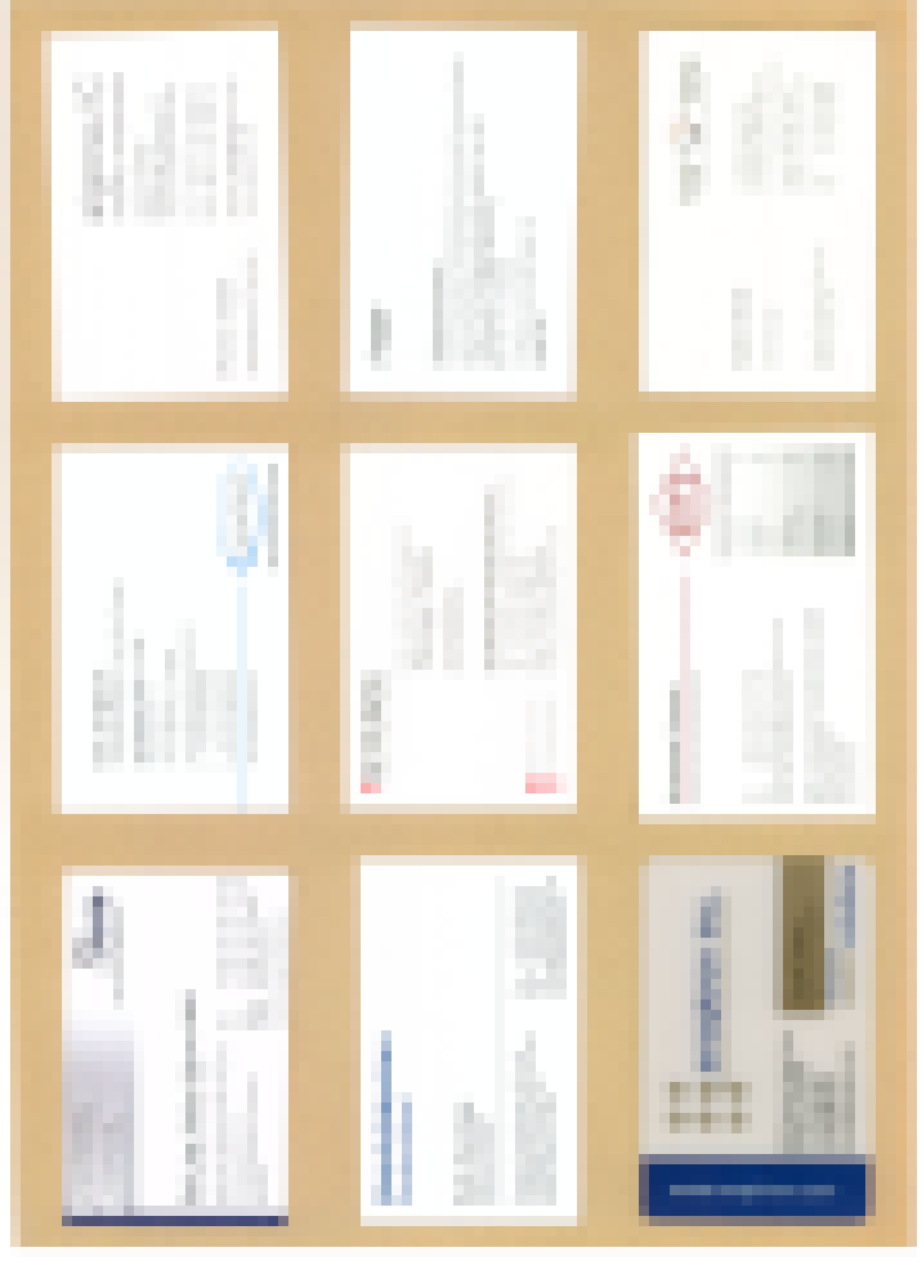
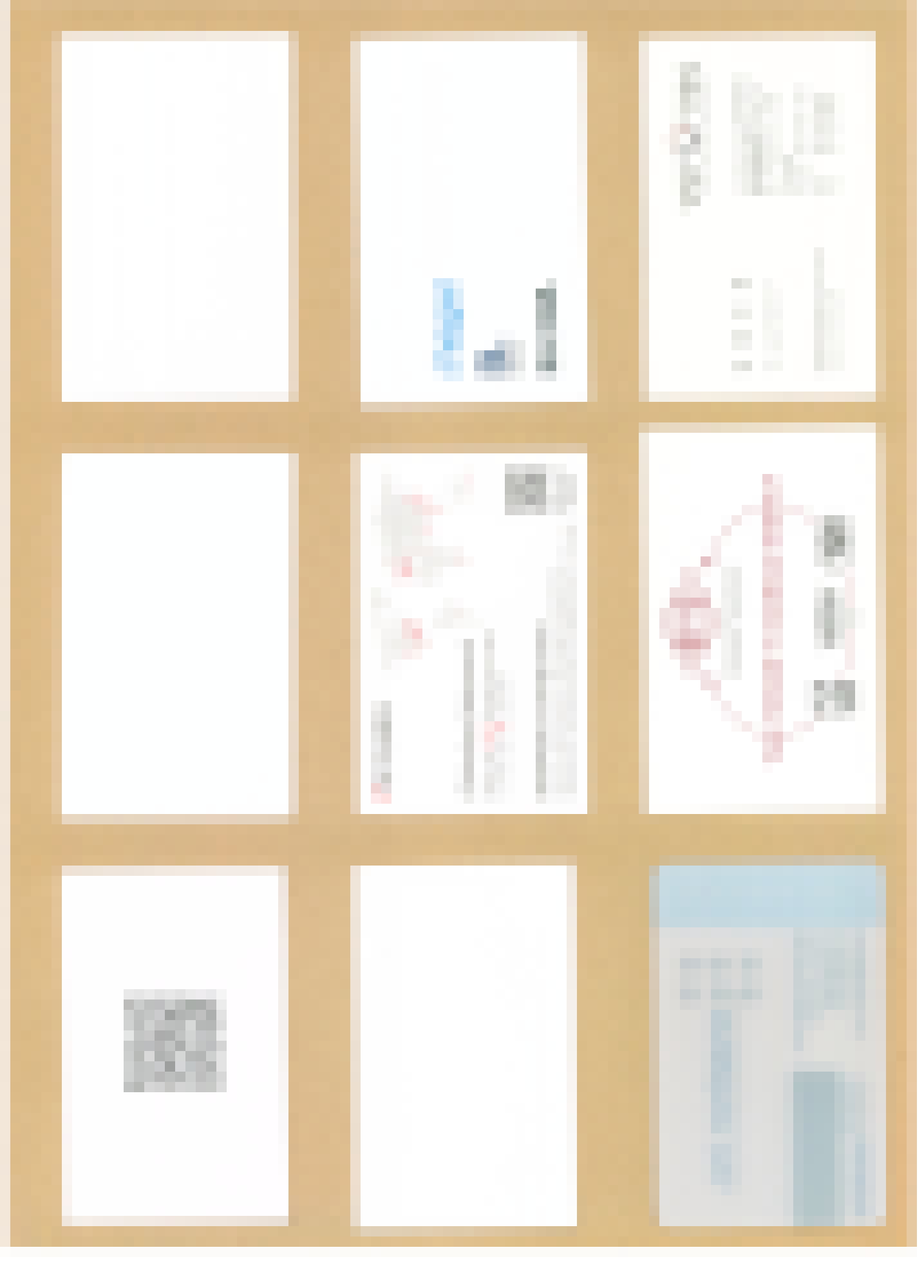
This can now be split with imagemagick, say
convert "1_front.png" -trim -crop 3x3@ +repage -rotate 90 "1_front_%02d.png"

convert "1_back.png" -trim -crop 3x3@ +repage -rotate 90 "1_back_%02d.png"
which automatically creates nine numbered images from the raw scan. And since our original border margins were large enough and the cards were placed carefully, each individual image now has a somewhat centered, somewhat correctly oriented card that does not touch the image border. I think I can safely share this backside, this is all public information:

Not perfect, but also not too bad. This is then further processed by a lot of python numpy cv2 woo-woo, and here indeed all four AI systems did participate in getting this to run – I didn’t dig all that deep myself. There’s issues with rotation, with edge and corner detection, with graphics, backdrop interference, cutting this to size, scaling, logos that have better borders than the card itself, you name it. Not saying this is perfect, but this script has had an 85% hit rate on my entire dataset of getting
a) both sides of the card rotated correctly
b) scaled (if necessary, usually should be basically the same pixel size)
c) placed side-by-side at the same height
and d) cropped with similar borders all around
–> PYTHON SCRIPT <--
(bloody WordPress doesn’t even allow TXT upload with default settings, ridiculous…)
Most of the time rotation is wrong or skipped due to card shape and/or graphics, but that’s what you get with business cards. If placed carefully, one can soften the effects a bit, the rest of the functions typically worked in this version.
The script is called with three parameters – python3 deskew.py front.png back.png output.png.
Aaaand then one can automate the whole shebang with some more bash scripting: 
#!/bin/bash
set -e
if [ -z "$1" ]; then
echo "Usage: $0
echo "Example: $0 1"
exit 1
fi
NUM="$1"
FRONT="${NUM}_front.png"
BACK="${NUM}_back.png"
# Check input files exist
for f in "$FRONT" "$BACK"; do
if [ ! -f "$f" ]; then
echo "Error: $f not found"
exit 1
fi
done
echo "Processing pair: $FRONT / $BACK"
# Split front and back into 3x3 grids
echo "Splitting images..."
convert "$FRONT" -trim -crop 3x3@ +repage -rotate 90 "${NUM}_front_%02d.png"
convert "$BACK" -trim -crop 3x3@ +repage -rotate 90 "${NUM}_back_%02d.png"
# Run deskew on each of the 9 pairs
echo "Running deskew on 9 pairs..."
for i in $(seq 0 8); do
PADDED=$(printf "%02d" $i)
OUT_NUM=$((i + 1))
FRONT_TILE="${NUM}_front_${PADDED}.png"
BACK_TILE="${NUM}_back_${PADDED}.png"
OUT="${NUM}_out_${OUT_NUM}.jpg"
echo " deskew: $FRONT_TILE + $BACK_TILE -> $OUT"
python3 deskew.py "$FRONT_TILE" "$BACK_TILE" "$OUT"
done
echo "Done! Output files: ${NUM}_out_1.jpg through ${NUM}_out_9.jpg"
…which isn’t really necessary for running like two tabs of these, but I did 15 full scans, and that’s a lot of individual python function calls. Of course further automation with scanning and fully automated processing (instead of calling “makecards.sh 1”, 2, 3, … 15, like a plebeian!) would be possible, but I’d do that when running 30+ scans at a time. Which is most likely…never.
Pure physical processing time of sorting through, rotating, putting the cards onto the scanner grid, centering, scanning, rotating, centering again, scanning again and then putting them away took me a little under four minutes per set of nine cards, so 25ish seconds per front-and-back scan of an individual business card. That could be faster, sure, but an hour of disk card jockeying to get rid of all the amassed items of a decade – well, whatever, it’s done now, and the next time it’ll take longer to fire up the old scripts than it will to place the cards into the grid. At least I can now throw away my Club Nokia member card(s), because I do have a nice scan of them 
Well, final result, one of the difficult ones that nevertheless worked right away:

I think that is a nice format to keep stuff, it looks tidy, the final 5ish megapixel JPG is typically 800kB in size, and I’m happy to store the files away in a dark folder three levels deep somewhere. Plus I now get to destroy all physical cards in GDPR compliant fashion, because just throwing them in the paper bin would be illegal and could result in fines. What a time to be alive…


